

Introduction to AIGrampa and what this review covers
AIGrampa is positioned as an AI-powered helper for Instagram, built to reduce the daily workload behind posting and engagement. After seeing it appear repeatedly in social feeds and promotions, I decided to run a hands-on trial rather than rely on launch buzz or sales pages.
This write-up explains what the platform includes, how it behaved in regular use, where the limits show up, and what kind of buyer will get the most value. It also clarifies a few points that have caused confusion, especially around direct messaging features.
Quick product overview and who it’s designed for
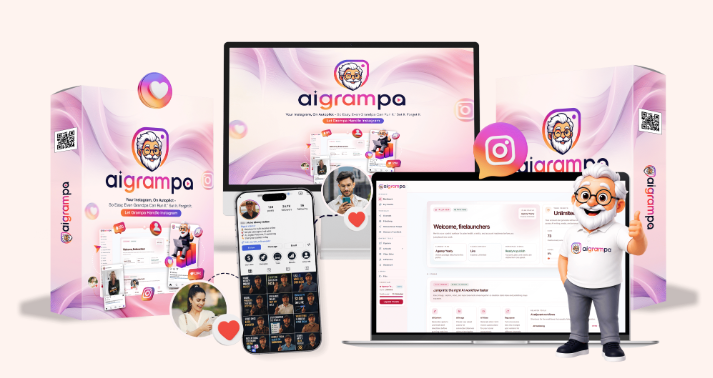
AIGrampa sits in the category of Instagram automation and content software. It runs in the browser, with no local installation, and the interface is aimed at beginners who want guidance rather than a complex suite of settings.
The tool is mainly suited to creators, coaches, small businesses, and some agencies, but the entry plan is built around a single Instagram account. That matters if you are managing clients or multiple brands.
The front-end price during the promotional window is commonly shown around $27–$37, with a 30-day money-back guarantee. Based on my usage, it functions best as a productivity assistant, not a complete growth system.
My 20-day testing setup and how I used AIGrampa day to day
I used AIGrampa the way a typical solo operator would: checking in daily, drafting captions, preparing basic visuals, and keeping up with comments. The goal was not to run a one-time demo. It was to see whether it could hold up as a routine tool.
Most days followed a simple pattern. I drafted a post idea, used the caption tool to speed up first drafts, generated a supporting image when needed, and relied on the planning area to map out posts. I also spent time configuring and monitoring the automated comment replies to see how consistent they were and whether they stayed on-brand.
Some days were light.
Other days involved more posting and more engagement. That is where limits and caps become easier to notice.

AIGrampa combines several functions that many Instagram users normally piece together using separate tools. The main set includes automated comment replies, caption writing, basic image generation, short video generation, and a calendar-style planning and scheduling area.
The appeal is convenience: one dashboard for common tasks. The tradeoff is that each feature operates within defined monthly allowances on the starter plan, so it is less suited to high-volume publishing unless you move up to a higher tier.
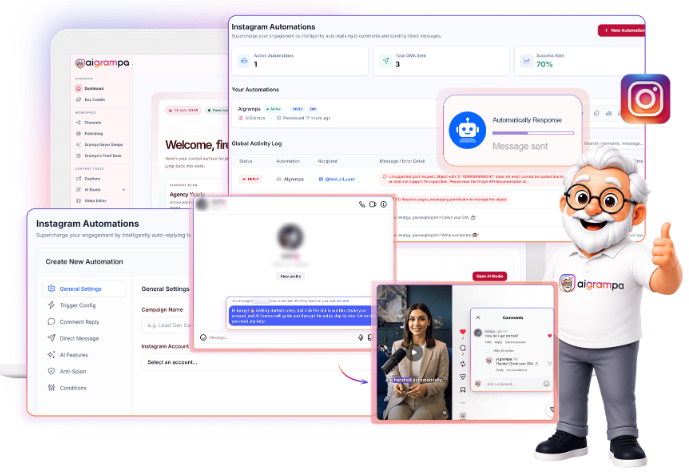
Grandpa’s Front Desk is the feature I used the most. It is designed to reduce repetitive engagement work by replying to comments automatically within the rules and templates you set.
In practice, this works best for predictable interactions: repeated questions, simple acknowledgments, store hours, basic service prompts, and routine FAQs. If your posts generate similar comment patterns, automation can reduce the constant interruption of stopping work to reply manually.
It is still wise to monitor replies. Automated engagement can keep consistency, but nuance matters, and anything sensitive or specific still benefits from a human response.
AI caption writing for faster posting
Caption writing is one of those tasks that often takes longer than expected, especially when you are trying to stay consistent with tone. AIGrampa’s caption generator helped most when I needed a quick starting point: hooks, short descriptions, light calls to action, and alternative versions of the same idea.
It also helped when I had the content concept but not the wording. For example, turning a rough bullet list into a readable caption can save time, even if you still edit it to match your voice.
Short drafts are where it shines.
Long-form storytelling captions may still need more personal detail and revision, particularly if your brand relies on a distinct point of view.
AI image creation for simple visual assets
The image generation feature is aimed at quick visuals rather than high-end design. It can be useful for simple posts, concept images, placeholders, or basic supportive graphics when you do not have a dedicated library ready.
For users who often skip posting because they lack a visual, this feature can remove friction. The best results come from clear prompts and realistic expectations: think “good enough to publish,” not studio-level art direction.
If your Instagram relies on premium design consistency, you may still prefer a separate design workflow.
Short video generation and where it fits in an Instagram workflow
Short video generation is included, with monthly limits on the starter plan. In my testing, it fits best as a lightweight option for creating simple motion content to support frequent posting habits.
It is not a substitute for a full video editing process. Instead, it can help fill gaps: quick clips for basic announcements, simple promotional snippets, or short content pieces when time is tight.
Used sparingly, it can help maintain momentum. Used heavily, you will run into caps quickly.
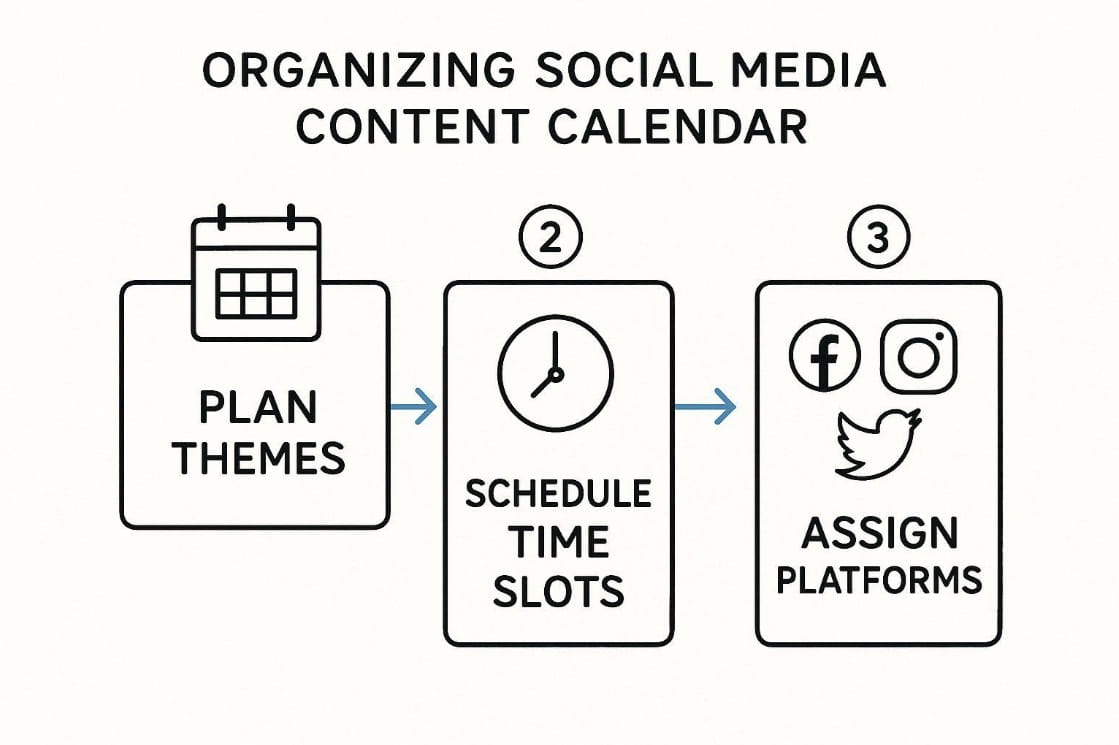
Content calendar and post scheduling basics
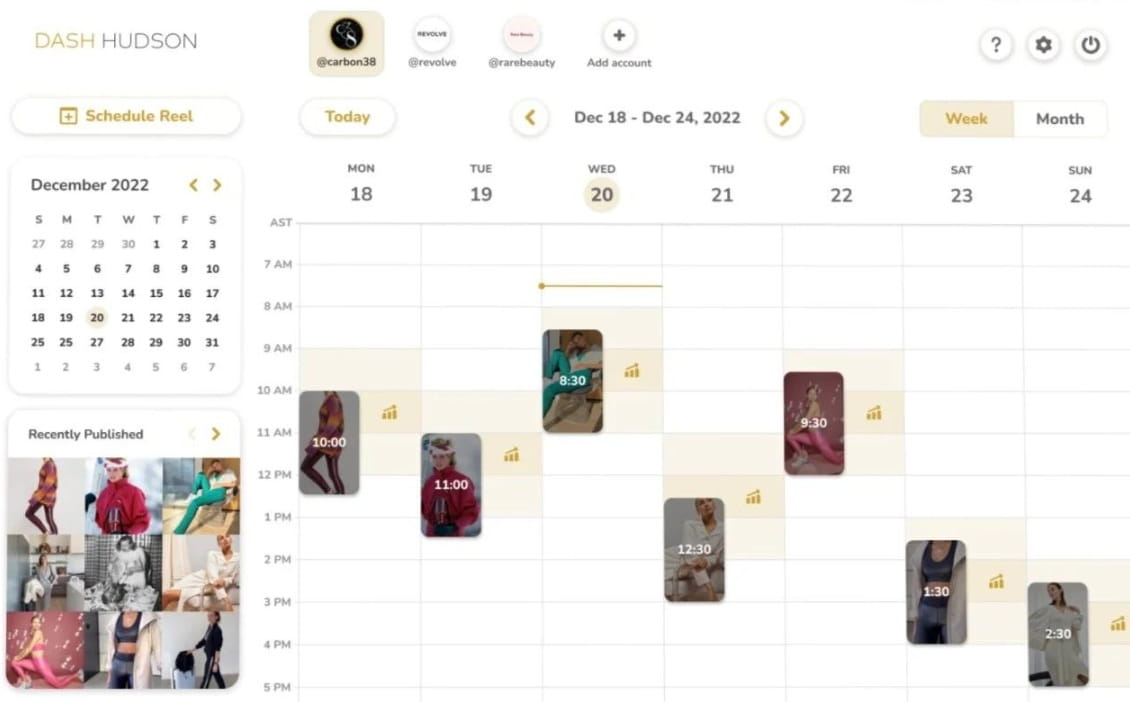
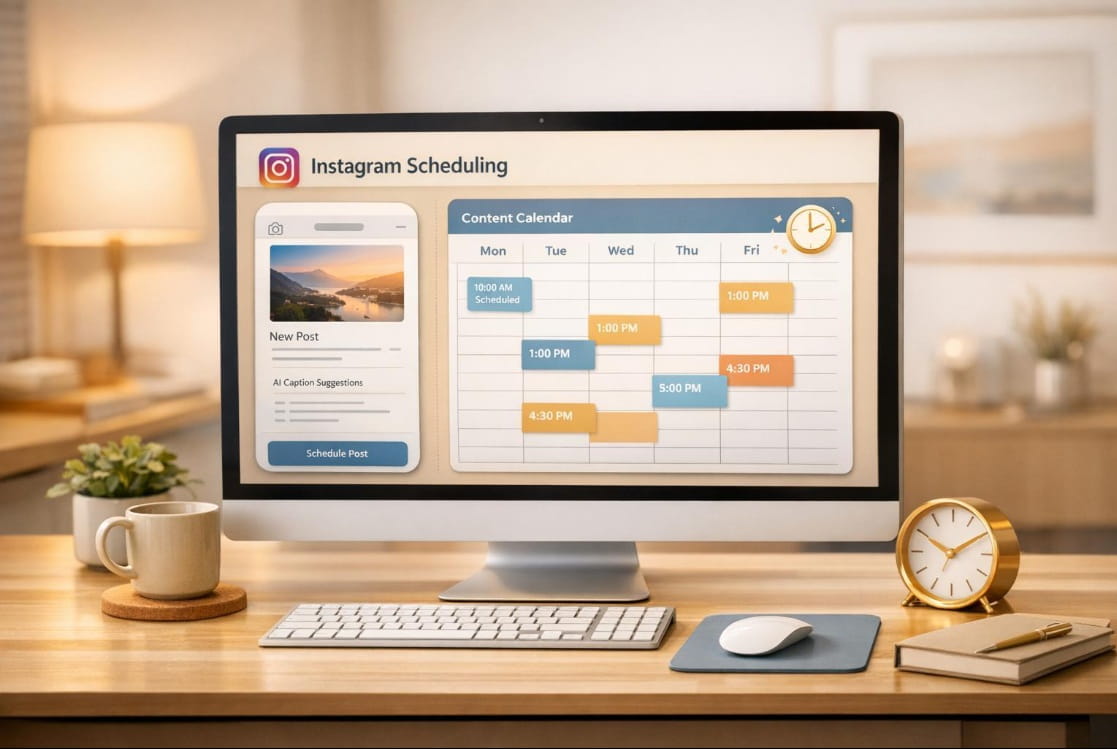
AIGrampa includes a calendar area for organizing posts and scheduling them. This helps if your main struggle is consistency, since planning a week at a time can reduce the daily decision fatigue of “what do I post today?”
Scheduling on the starter plan is limited to a small number of posts per week, which means it supports a steady cadence but not aggressive daily posting at scale. For many small accounts, that is enough to stay visible without turning content into a full-time job.
Plan limits that matter before you buy
The starter plan includes useful features, yet the caps shape the experience more than the marketing headlines do. If you post occasionally and want help with engagement and drafting, limits are less of an issue.
If you publish frequently, test multiple content formats, or run campaigns with heavier activity, those allowances can feel tight. Understanding the caps upfront prevents buyer’s remorse and sets the right expectations for what the tool can realistically handle.
Monthly caps for replies, images, videos, and scheduled posts
The entry plan includes a defined monthly allowance across the main functions. Based on the published details during the promotional period, that includes up to 500 automated comment replies per month, up to 50 AI-generated images, and up to 10 short videos.
Scheduling is also limited, with the starter level allowing three scheduled posts per week. For someone posting a few times weekly, this is workable. For daily posters, the math adds up quickly.
Limits are not inherently bad.
They simply determine who the starter plan fits.
Single-account access and what that means for teams and agencies

The starter plan supports one Instagram account. For a solo creator or a single business brand, that is straightforward.
For teams and agencies, it is a constraint. Managing multiple clients, even two or three, requires either higher-tier access or a different tool strategy. If you expect to centralize many accounts under one roof, confirm what additional access requires in upgrades before buying.
The automated DM confusion and how to verify what you’re getting
One of the more frustrating points around AIGrampa is direct messaging. Some promotional messaging references automated DMs, yet the official FAQ has stated that automated DMs are not included in the starter plan.
If DMs are a key part of your funnel, do not rely on headline claims. Check the current offer page and the current FAQ, then confirm what is included in your specific plan level before purchase. This is especially relevant during launch periods, when copy can change and bonuses can shift.

In day-to-day use, AIGrampa performs best as a consolidator of repetitive tasks. It reduces the mental load of producing captions, creating basic visuals, and keeping up with comments.
It also helps reduce friction for beginners. Instead of stitching together multiple services, you can open one dashboard and complete the basics of content preparation and engagement support.
Time savings for repetitive engagement and content tasks
The clearest win is time saved on repeatable work. Automated comment replies can handle routine interactions, while caption drafting speeds up the move from idea to post.
That time savings is practical, not magical. You still need to review outputs, refine tone, and keep an eye on what is being posted and replied. Yet removing the blank-page problem and the constant comment back-and-forth can free up hours over a month.
Beginner-friendly dashboard and cloud-based convenience

AIGrampa being cloud-based removes setup headaches. You log in and work.
The dashboard is also straightforward for users who are new to AI tools. Instead of requiring long configurations, it keeps the workflow focused on common Instagram tasks: write, create, plan, respond.
For many users, simplicity is the feature.
What AIGrampa does not do
AIGrampa does not replace marketing judgment. It does not automatically understand your audience, your positioning, or your product economics. It also does not eliminate the need for creative direction if your brand depends on a distinct visual identity.
It is a tool for execution support, not an autopilot for business outcomes.
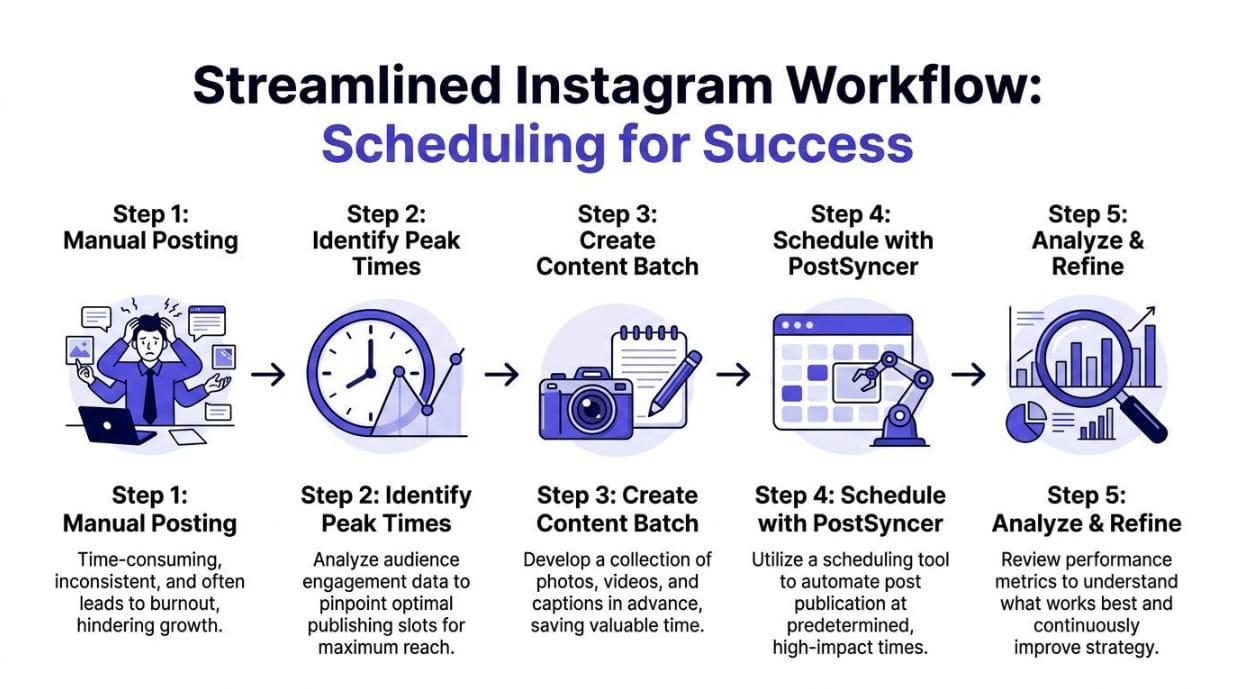
Why it won’t guarantee followers, virality, or sales
No software can promise growth results on Instagram without the underlying ingredients: relevant content, a clear offer, and consistent posting and engagement. AIGrampa can help you publish and respond faster, but it cannot guarantee that people will follow, share, or buy.
If someone buys expecting an automated income stream, disappointment is likely. If someone buys expecting help with daily output, the fit is far better.
Where strategy and consistency still matter
Strategy still decides what you post, who you target, and how your profile converts visitors into followers or customers. Consistency still determines whether you show up often enough to earn attention.
AIGrampa can support both by reducing busywork. It cannot create a strategy for you, and it cannot care about consistency on your behalf.
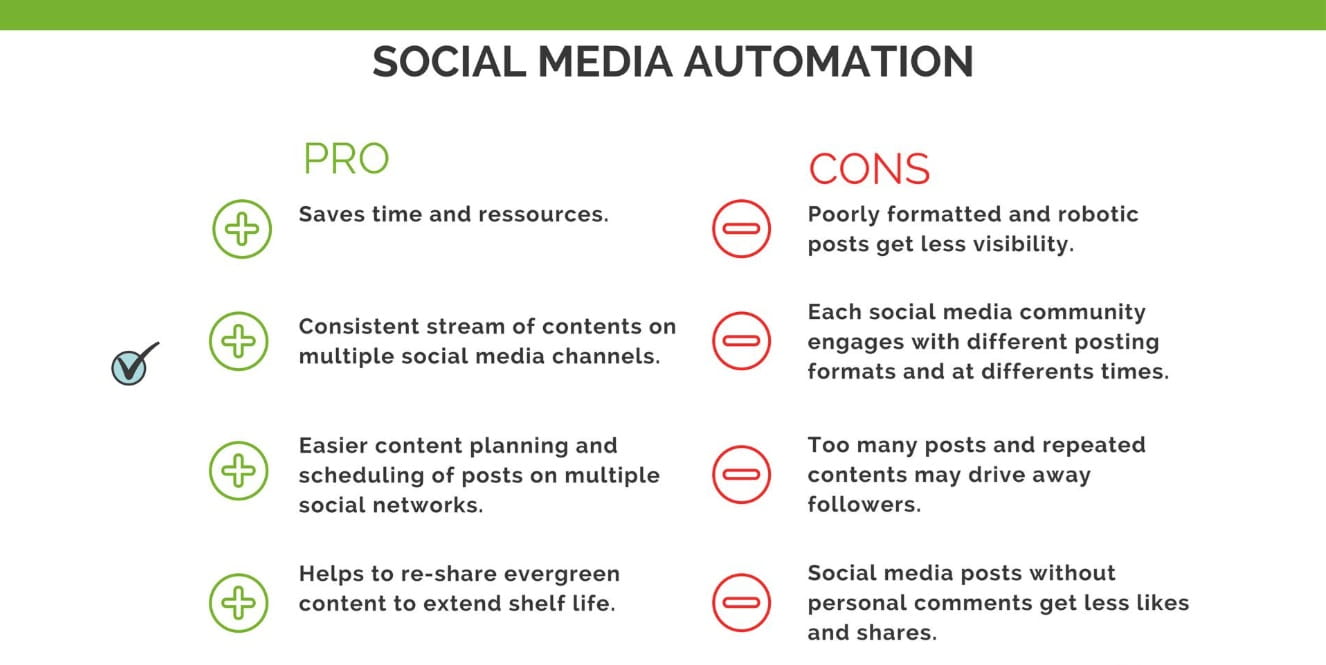
Pros and cons summary
Pros include affordable promotional pricing, time savings on repetitive tasks, a beginner-friendly interface, and the convenience of having captions, images, short videos, and scheduling in one place. Cloud access keeps it simple.
Cons include starter-plan caps that may feel restrictive, single-account access initially, unclear messaging around automated DMs, and the reality that higher-volume users may need upgrades. It also does not produce growth results automatically.
Pricing, refund policy, and upgrade considerations
AIGrampa is commonly promoted with a low one-time front-end payment during the launch window, often stated around $27–$37. That structure is attractive for users who dislike monthly subscriptions, though upgrades can add cost after checkout.
The offer includes a 30-day money-back guarantee, which gives a practical trial period to test it inside your real workflow rather than guessing based on demos.
Front-end cost expectations and launch pricing context

Launch pricing is typically the lowest entry point buyers see, and it can change once promotions end. If you are comparing options, treat the front-end payment as entry access with defined limits, not unlimited usage.
The value depends on your posting frequency. Light-to-moderate users may find the entry price reasonable. Heavy users should assume upgrades may be needed.
30-day money-back guarantee and how to evaluate fit quickly
A month is enough time to answer a few key questions: Do the comment replies match your tone? Do you publish more consistently? Does the scheduling limit match your cadence? Do the image and video allowances cover your needs?
Treat the first week as setup and habit-building, then use the remaining time to measure whether the tool is actually reducing workload.
When upgrades make sense for higher-volume users

Upgrades tend to make sense for users who hit caps: frequent posters, accounts with high comment volume, and anyone trying to generate more media assets monthly. Agencies also fall into this category due to account access needs.
If you are already producing content daily, starter limits may be a quick bottleneck. In that case, upgrade pricing should be part of the buying decision, not an afterthought.
Bonuses and launch offers and what to check before checkout
AIGrampa’s promotions often mention bonuses that can include training, templates, and supporting resources. These extras can increase perceived value, but they can also vary depending on where you purchase and when you buy.
Before checkout, confirm exactly what bonuses are included on the page you are using, and whether they are time-limited. Do not assume every buyer sees the same bundle.
What users should realistically expect from AIGrampa

Expect help with execution: drafting captions faster, producing basic visuals, planning posts, and handling routine comment replies. Expect to still review, edit, and guide the outputs.
Expect a helper, not a replacement.
If you already have a content plan and simply want to reduce manual effort, AIGrampa can fit neatly into that routine.
Best-fit use cases and who should consider alternatives
AIGrampa fits solo creators, coaches, and small businesses managing one account who want a single dashboard for common tasks. It is also useful for beginners who want structure without learning multiple platforms.
Alternatives may suit you better if you manage several accounts, need heavy scheduling volume, require confirmed automated DM functionality on the entry tier, or demand advanced design and editing controls for premium branding.
Frequently asked questions

1. Is the AIGrampa bonus offer permanent?
Launch bonuses are usually limited-time and can change after the promo period.
2. How much does AIGrampa cost?
The front-end offer is typically shown around $27–$37 during launch windows, but pricing can change.
3. Is AIGrampa a subscription?
The main offer is presented as a one-time payment. Optional upgrades may be offered after purchase.
4. Can AIGrampa manage multiple social platforms?
No. It is focused on Instagram.
5. Does AIGrampa include automated DMs?
This point has been unclear in promotions. The official FAQ has stated automated DMs are not included in the starter plan, so verify the current offer details before buying.
6. Is there a refund policy?
Yes. The offer includes a 30-day money-back guarantee.
Final verdict and recommendation based on 21 days of testing
After 21 days, AIGrampa proved most useful as an assistant that reduces repetitive Instagram tasks, particularly comment replies and caption drafting. The cloud-based setup and simple dashboard make it accessible, and the entry price can be an easy way to test whether AI support improves posting consistency.
The main cautions are the starter-plan limits, single-account access, and the need to verify any mention of automated DMs. If you expect a tool that guarantees growth outcomes, this is not it. If you want a practical way to save time and stay organized on one account, it is a reasonable option to trial within the refund window.