
Creating a digital product often used to mean juggling several roles at once. You had to plan the offer, write the content, organize it into something usable, then design pages that looked professional enough to sell. For many beginners, the hardest part wasn’t effort. It was the mix of skills required.
Canva and ChatGPT reduce that friction by splitting the work into two clear lanes. ChatGPT supports the text side: ideas, outlines, drafts, rewrites, and promotional copy. Canva supports the visual side: layouts, typography, graphics, and polished exports that customers can download and use.
The benefit isn’t magic output.
It’s a repeatable process.
Why This Tool Combination Works
The main reason the pairing is practical is that digital products need both clarity and presentation. If the writing is strong but the pages are hard to read, customers feel the product is unfinished. If the pages look great but the content is thin, customers feel disappointed.
ChatGPT helps you decide what the product should say, section by section, with consistent structure. Canva helps you decide how the product should look, page by page, with consistent formatting. The result is a workflow where each tool does what it is built for, without forcing you to master every discipline before you start selling.
This combination also helps with momentum. Starting is easier when you can move from outline to draft to designed pages without getting stuck on a blank document or a blank canvas.
What Canva Does Best for Digital Product Design
Canva is a web-based design platform with a drag-and-drop interface. Instead of building layouts from scratch, you can start from templates made for ebooks, presentations, worksheets, social posts, business materials, and more.
That matters because digital products are consumed visually. A guide that uses headings, spacing, icons, and callout boxes feels simpler to follow than the same text pasted into plain pages. Canva makes it easier to create that reading experience even if you don’t have formal design training.
Canva also supports practical finishing steps: consistent fonts, page numbers, aligned elements, and clean exports such as PDF files. Those details are small, but they influence whether a product feels worth paying for.
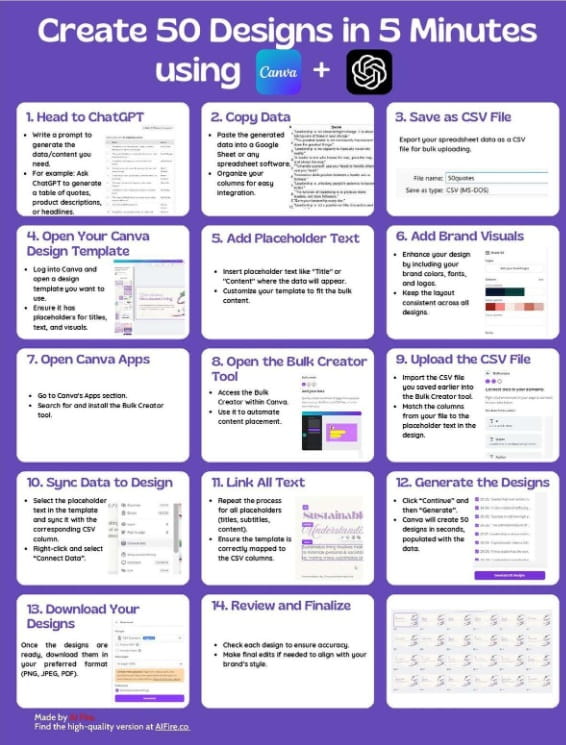
What ChatGPT Does Best for Content and Copy
ChatGPT focuses on language. It can help you shape a product idea into an outline, expand sections into drafts, rewrite for a specific audience, and tighten wording so it reads cleanly.
It’s also useful for supporting content that surrounds your product. You can draft product descriptions, write email sequences, generate social captions, and create calls-to-action that match your tone.
ChatGPT works best when you give it clear boundaries. A defined audience, a specific outcome, and a format (such as “checklist,” “lesson plan,” or “script”) will produce more usable writing than a vague request for “content.”
Digital Products You Can Create With Canva and ChatGPT
You are not limited to a single format. Once you have a reliable workflow, the same method applies across many categories, from short printables to multi-module training materials.
Different products fit different buyers. Some audiences want quick wins, like a one-page tracker. Others want depth, like a workbook with exercises and progress checks. Canva and ChatGPT can support both, as long as you plan the scope and keep the promise clear.
Ebooks, Guides, and Workbooks
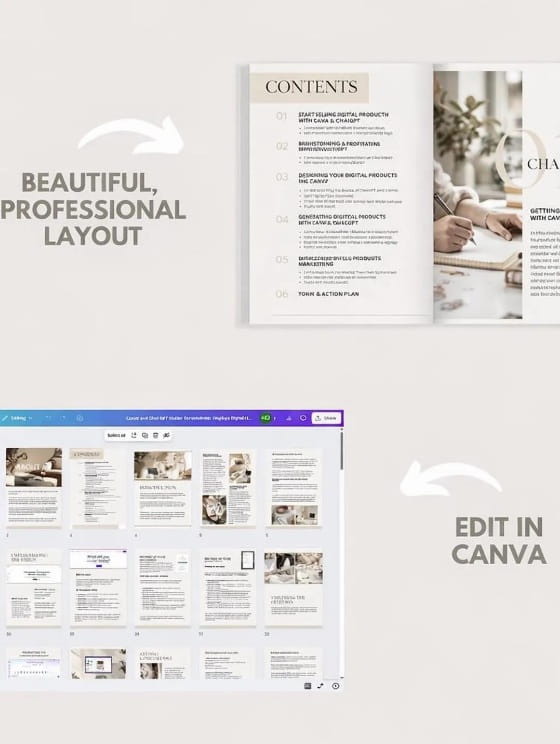
These products are a natural starting point because they combine structured writing with readable design. ChatGPT can help you plan chapters, create lesson-style explanations, write examples, and draft exercises.
Canva then turns the text into designed pages that feel like a real publication. Templates help you keep the layout consistent while you focus on the flow of information.
A workbook can include action steps, journal prompts, checklists, and trackers. Short pages are fine. Useful pages sell.
Templates, Printables, and Branding Kits
Templates and printables usually sell because they save the buyer time. Canva is strong here because you can create reusable layouts: planners, content calendars, proposal templates, invoice sets, habit trackers, and more.
ChatGPT can support the written parts: instructions, usage notes, label text, prompt ideas, and short guidance to help customers get results. Even a simple printable improves when it includes clear “how to use this” steps.
Branding kits can also fit this category. Canva can package logo variations, color palettes, and social templates. ChatGPT can assist with brand voice notes, tagline options, and basic messaging guidelines.
Courses, Webinars, and Slide Decks
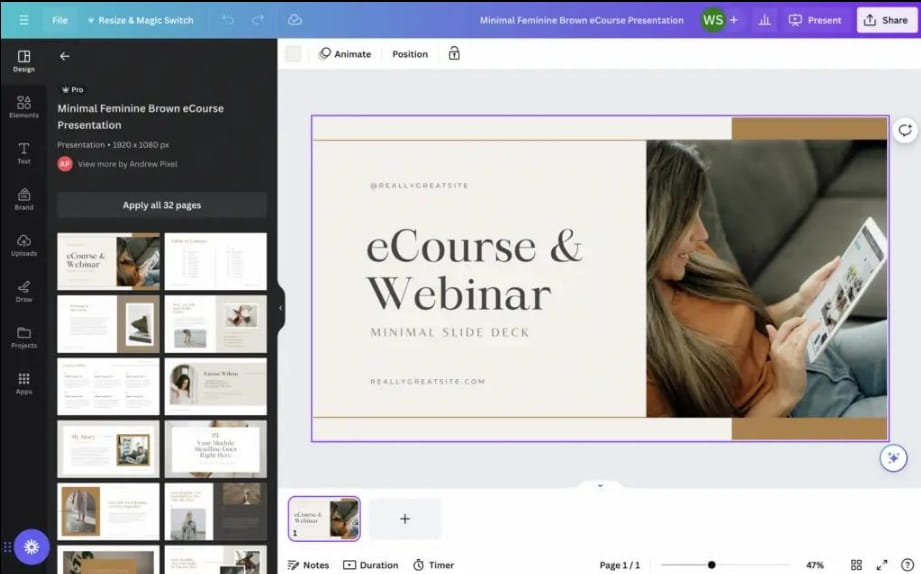
If you prefer teaching, the two tools can support course creation. ChatGPT can draft module outlines, lesson plans, scripts, quizzes, and worksheet ideas. It can also adapt the same lesson into different formats, such as a short webinar version and a longer course version.
Canva supports slide design, handouts, and supporting PDFs. A clean slide deck improves comprehension and keeps attention on the main points rather than crowded text.
Short lessons work well.
So do clear visuals.
Marketing Assets and Content Packages
Many creators underestimate how much marketing content is needed: social graphics, banners, pins, lead magnets, and promotional PDFs. Canva can produce the visuals quickly once you have a consistent style.
ChatGPT can help you plan campaigns and write the copy: product listings, landing page sections, caption sets, email announcements, and keyword-focused titles and descriptions. If you sell SEO content packages or newsletter bundles, this is also where ChatGPT can accelerate early drafts that you later edit and verify.
A Repeatable Workflow From Idea to Sale
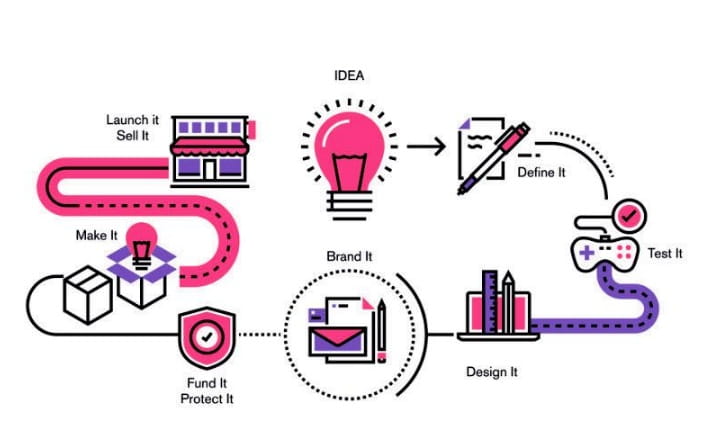
The real value of these tools comes from using them in a sequence. A product built with a method is easier to improve, easier to market, and easier to recreate in a new niche later.
A simple workflow can look like this: idea, structure, draft, edit, design, branding, marketing, feedback, revision.
You stay in control at every step.
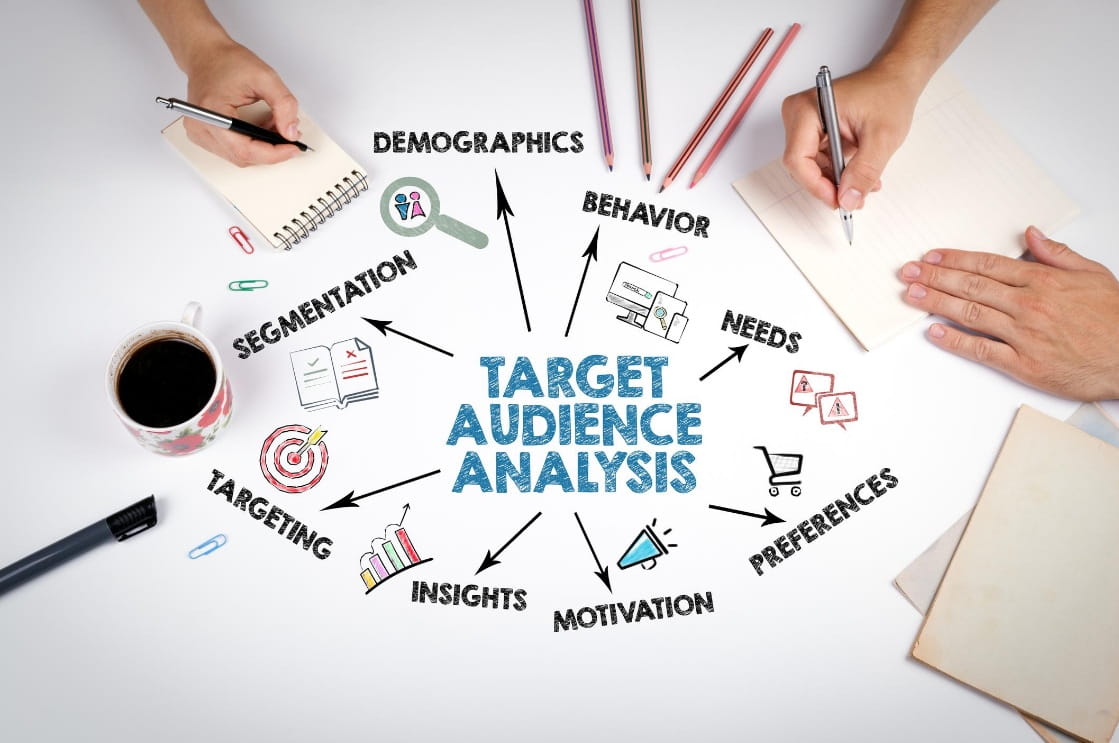
Start With a Specific Problem and Audience
Start by defining the problem your product solves and who it is for. Vague ideas create vague content and unclear design choices.
Instead of “a fitness ebook,” aim for something like “a 30-day home workout plan for busy professionals with short daily sessions.” That single sentence sets boundaries on length, tone, and features, such as progress tracking.
Write down the promised outcome.
Then keep every section aligned with it.
Build the Product Structure With ChatGPT
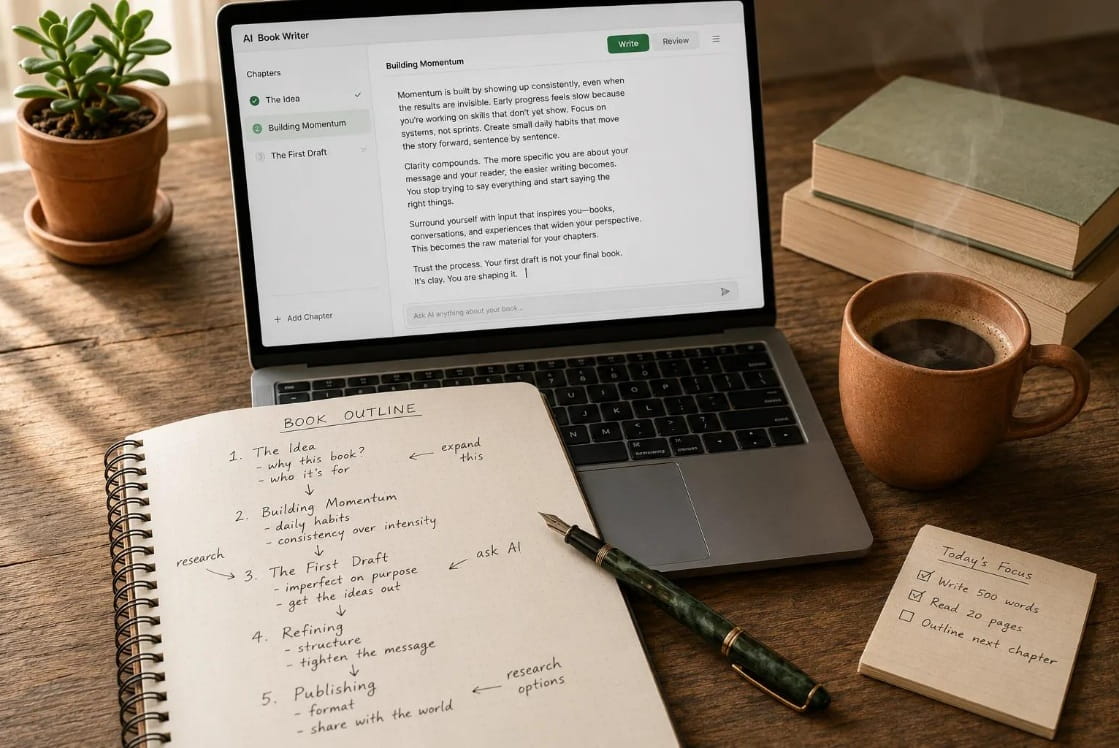
Use ChatGPT to build an outline before writing full pages. Ask for a logical table of contents, suggested sections, and practical elements like checklists or exercises.
Work in parts. Generate one chapter at a time. Request variations. Ask for simpler wording or a more advanced version depending on your audience.
A strong structure prevents you from stuffing in random content just to fill pages.
Develop, Edit, and Fact Check the Content
Treat AI drafts as raw material. Read for repetition and generic language. Add examples from your own experience or from realistic scenarios your audience faces. Tighten sections that feel long, and expand sections that need clarity.
Fact checking matters most in areas like health, finance, or legal topics. If you use statistics or specific claims, verify them. If you give advice, make sure it is safe and appropriate for your audience and region.
Quality beats volume.
Every time.
Design the Product in Canva Using Templates
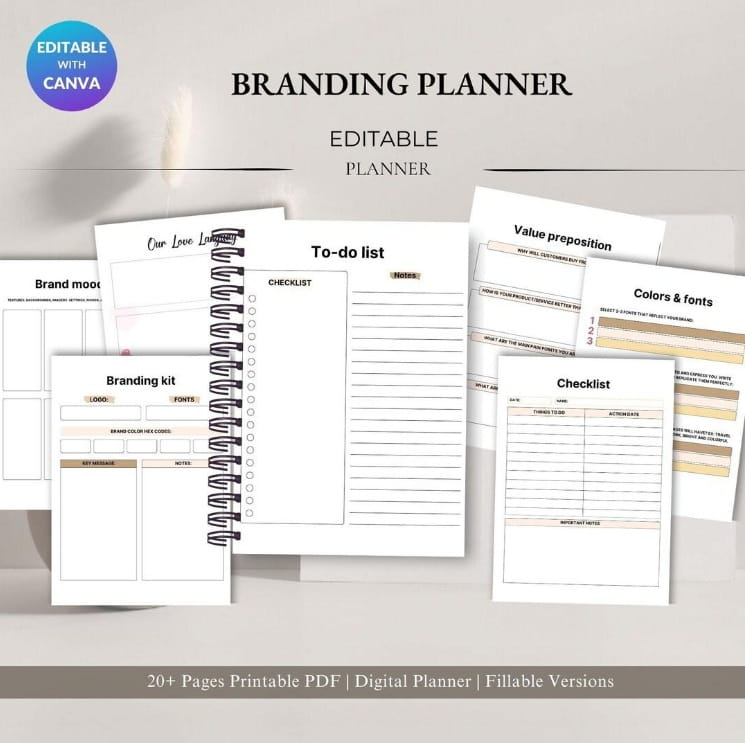
Once your text is in shape, move into Canva. Pick a template that fits your audience and product type. A minimalist template can be better for professional buyers, while a playful template can fit kids’ education or creative niches.
Break long text into smaller blocks. Use headings, spacing, and visual cues. Add icons and simple graphics to guide the reader. Keep page layouts consistent so customers don’t feel lost as they move through the product.
The goal is clarity and a smooth reading experience, not decoration on every page.
Create Brand Consistency Across Products
If you plan to release multiple products, consistency makes your work recognizable. Use a defined color palette, font pairing, and page layout style. Keep your writing tone steady too, so your product descriptions and worksheets feel like they come from the same creator.
Consistency also saves time. Once you have a branded Canva template, each new product starts from a familiar base rather than a blank file.
Produce Marketing Materials With Both Tools

Marketing is part of the product system. Use Canva to create the visuals: mockups, social posts, story graphics, banners, and simple infographics. Keep them aligned with your product design so buyers see a cohesive brand.
Use ChatGPT to draft the text: product listings that explain what the customer gets, captions that speak to the problem, email copy that introduces the offer, and calls-to-action that clearly tell people what to do next. You can also develop SEO titles and meta descriptions to support visibility in search.
Test With a Beta Version and Improve Before Launch
Before a full release, share a beta version with a small group. Ask clear questions: what confused them, what felt missing, what they used most, and whether the design was easy to read.
Then revise. Fix unclear instructions. Add a missing example. Adjust spacing on dense pages. Improve the checklist so it’s easier to follow.
A small set of revisions can change customer reviews significantly.
How to Save Time Without Losing Quality
Speed is useful only if the product still works for the buyer. The best time-savers reduce repetitive tasks while leaving the thinking, editing, and final decisions in your hands.
A system also reduces mental load. You stop reinventing the same steps each time you create something new.
Batching Content and Reusing Layouts
Batching means doing similar tasks in one focused session. You can draft a full set of captions in one go, then edit them later. You can write all worksheet instructions together, then format them later.
In Canva, reuse layouts across pages so you are not redesigning every section. A consistent chapter opener page, consistent checklist pages, and consistent exercise pages make the product feel organized and also speed up production.
Using Templates and Style Guides as Production Shortcuts
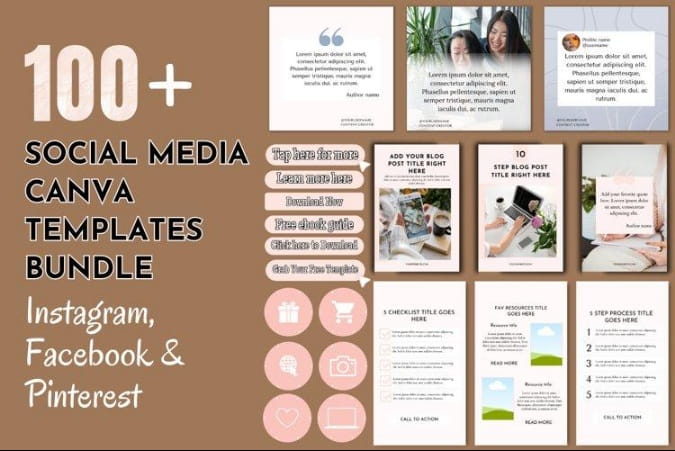
Templates are not only for pages. Create a style guide for your brand that lists your fonts, colors, heading sizes, and image style. Keep a few standard page types ready: title page, contents page, lesson page, checklist page, tracker page, and resource page.
This approach keeps your products uniform and reduces decision fatigue. It also makes it easier to outsource later because a contractor can follow your style guide without guessing.
Quality Control Checklist for AI Assisted Products
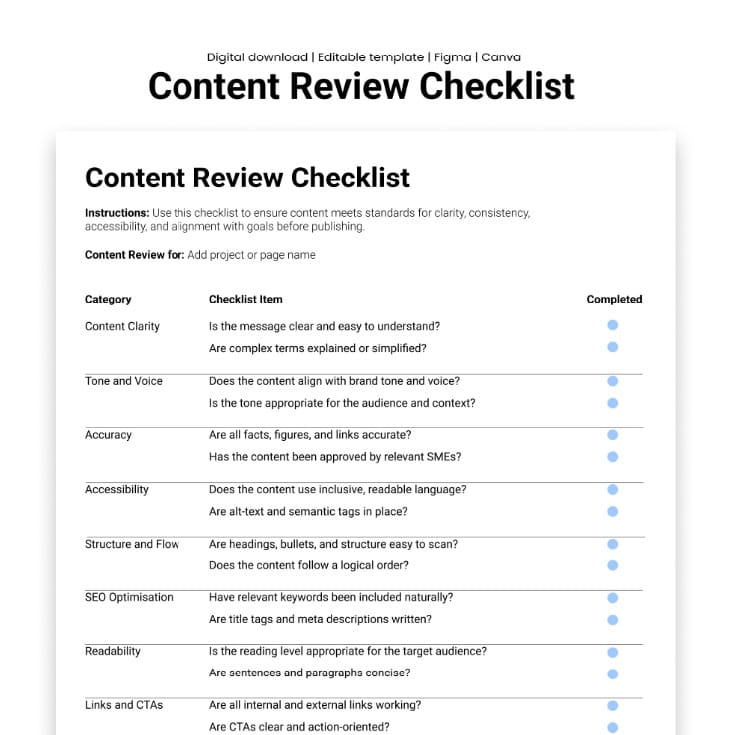
Before you sell, run a simple quality check. Confirm the product matches the promised outcome. Check for repeated phrases and filler. Verify any facts or claims that could mislead. Review grammar and readability. Make sure links work if you include them.
Then check the design. Confirm spacing, alignment, font sizes, and consistent headings. Export the file and test it on a phone and a laptop. If the product is a printable, print one page to ensure it looks right on paper.
Small checks prevent avoidable refunds.
Turning the Process Into a Sustainable System
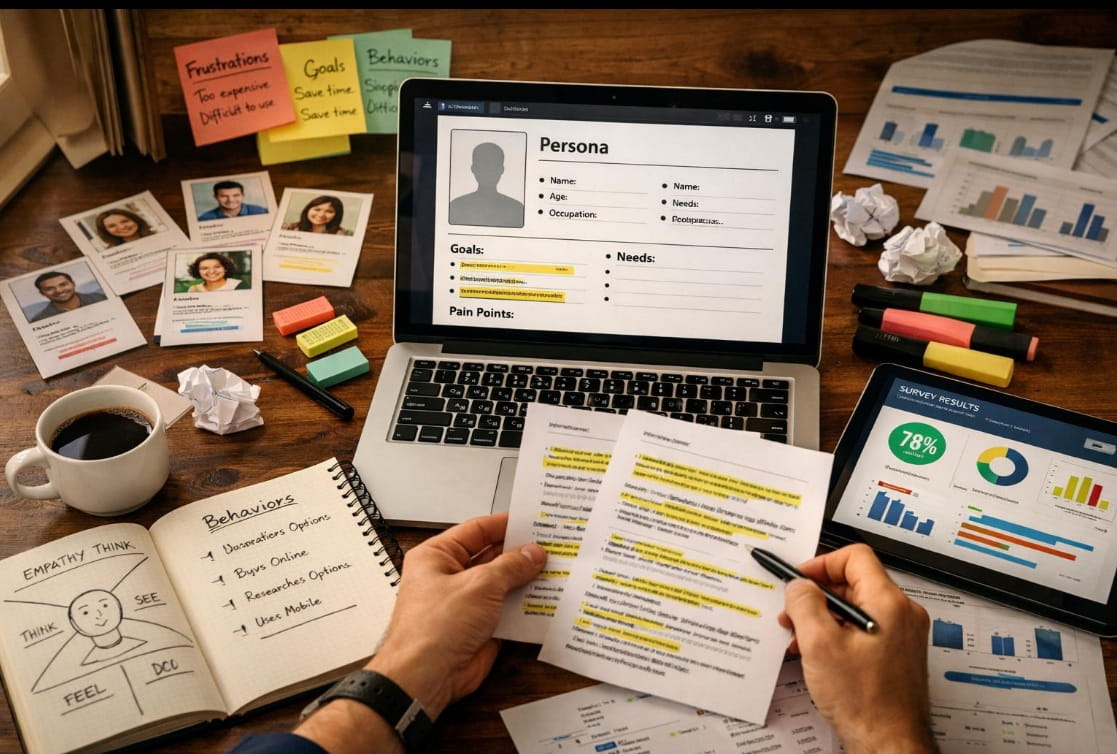
The long-term benefit comes from treating creation as a cycle you can repeat. Each product teaches you what your customers want, what they ignore, and what they ask for next.
Over time, you can turn one product into a family of products: a starter guide, a workbook, a template pack, and a course. Each one can share a visual style and a consistent voice, which strengthens trust.
Why Canva and ChatGPT Are Not a Shortcut
These tools reduce friction, but they don’t replace judgment. You still decide the problem, the promise, the structure, the examples, and the final edits. Buyers are paying for a result, not for the fact that you used certain software.
A product that sounds generic will be treated as generic. A product that feels specific, clear, and well-designed will stand out, even in a crowded marketplace.
Start With One Product and Scale After Feedback
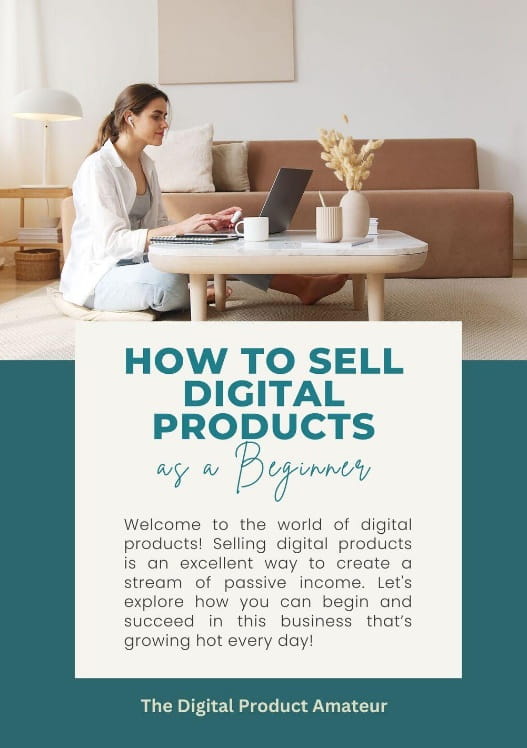
You don’t need twenty products to begin. Pick one audience you understand and one problem you can solve. Create one useful product with a clear outcome. Build it carefully, design it cleanly, and market it consistently.
Publish, gather feedback, and improve the next version.
Then repeat with the next product, using the same workflow and stronger insight each time